
Comparison
Get Videos vs Other Twitter Downloaders: A Cleaner Public-Link Workflow
A practical comparison of Get Videos and other public X/Twitter video downloader workflows, with privacy and format clarity in focus.
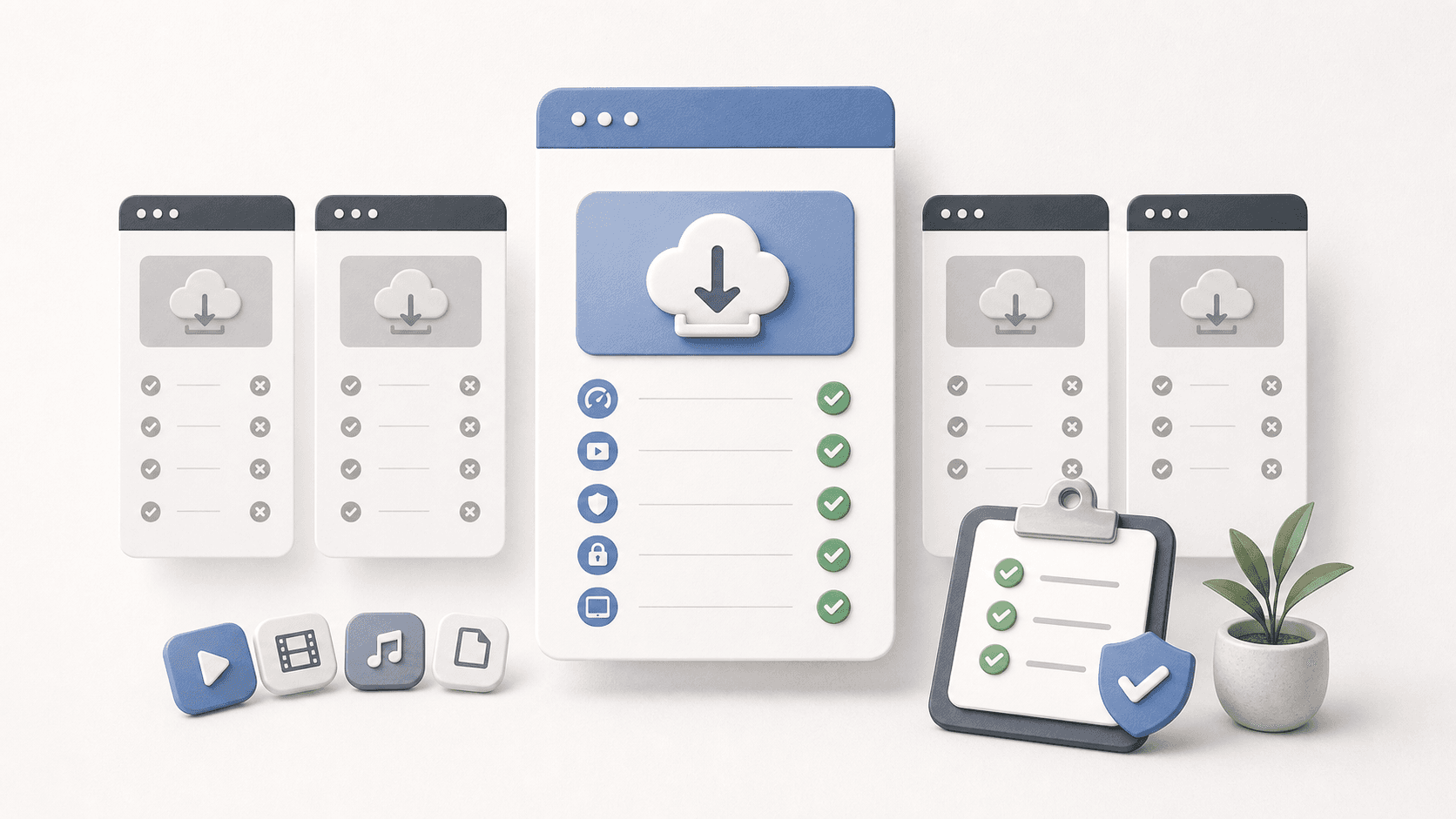
What people usually compare
Most users compare downloader tools by speed, video quality, ads, and whether the page works on mobile. Those are important, but they are not the whole story.
For public video downloads, trust is part of the feature set. A tool should explain that media stays with the original source, avoid asking for account credentials, and give clear names to each format group.
How Get Videos approaches the job
- Paste one supported public URL at a time.
- Show format groups instead of hiding everything behind one button.
- Make no promise to download private, paid, or restricted content.
- Keep legal, privacy, copyright, and responsible-use pages visible.
Comparison criteria
| Criterion | Why it matters | Get Videos approach |
|---|---|---|
| Public-link scope | Prevents misuse and avoids credential requests | Public URLs only |
| Format clarity | Reduces silent-video surprises | Recommended, video-only, and audio-only groups |
| Install requirements | Keeps one-off use lightweight | No install for browser use |
| Transparency | Helps users understand limits | No hosting and responsible-use notices |
When another tool may fit better
If you are archiving your own large creator library, a desktop app or command-line workflow may be more efficient. If you need team approvals, metadata exports, or long-running queues, a dedicated archive process is better than a quick web downloader.
For an occasional public video, though, a simple browser flow is usually easier to audit and easier to stop using when the job is done.
FAQ
Is Get Videos an alternative to other Twitter downloader sites?
Yes, for supported public links. It is designed around clear format groups and responsible browser use.
Does Get Videos download private videos?
No. It is not built to bypass private accounts, paywalls, or platform access controls.